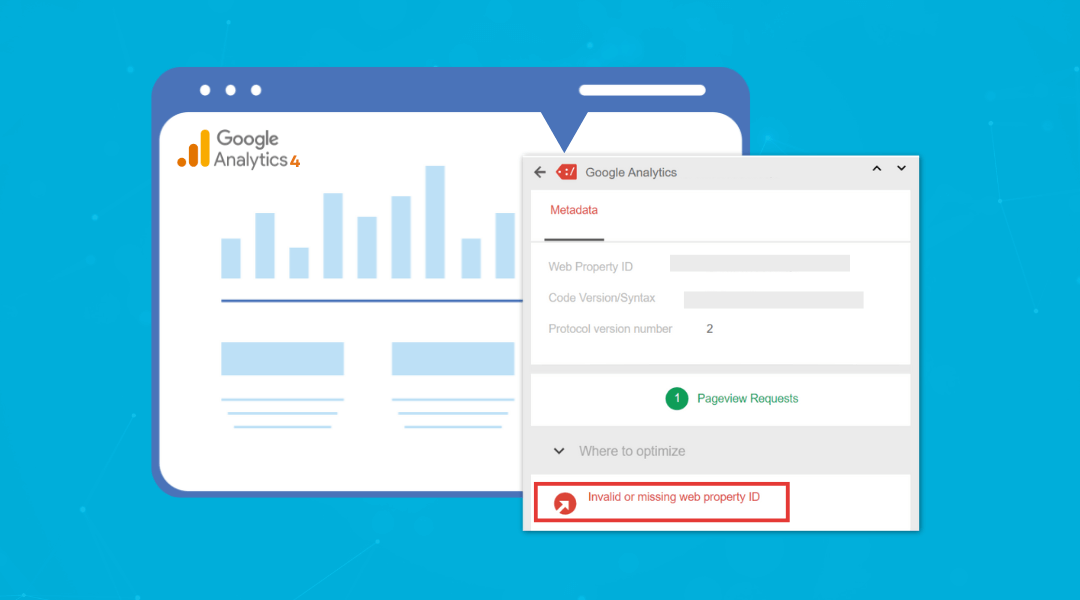
Google Analytics 4 (GA4) offers powerful e-commerce tracking, but it can be tricky to set up properly. If your data is missing, inaccurate, or incomplete, this guide will help you troubleshoot and fix GA4 eCommerce tracking issues in 2025.Common Ecommerce Tracking...
TrustedWebeServices Blog
How to Setup Cross Domain Tracking in GA4 (Google Analytics 4)
If you've got multiple websites that users navigate through during a single session, like from your main domain to a checkout domain, tracking their journey accurately can be a challenge. That’s where cross domain tracking comes in, and with Google Analytics 4 (GA4),...
How to Set Up GA4 Audiences for Remarketing (Step-by-Step)
To create remarketing audiences in Google Analytics 4 (GA4), you need to define user behavior segments—such as product viewers, cart abandoners, or returning visitors—and sync them with your Google Ads account. GA4 lets you build audiences based on events, engagement...
How to Fix Low-Quality Score Issues in Google Merchant Center: A Step-by-Step Guide
Low-quality score in Google Merchant Center can limit your product visibility. This guide shows how to fix the most common issues: from improving product titles and descriptions to using high-quality images and correcting feed errors. Ensure your pricing and...
How to Fix Google Merchant Center Disapproved Products
Google Merchant Center disapproves products when they don't meet specific requirements. To fix disapproved products, review the error message in the Need attention tab under the Products. Common issues include incorrect pricing, missing product information, or poor...
How to Enable Enhanced Measurement in GA4: Step-by-Step Guide (2025)
Google Analytics 4 Enhanced Measurement helps website owners track user interactions automatically. The setup process is simple and takes five minutes. Users need to access their GA4 property, click on Data Streams, and select their website stream. In the stream...
How to Connect Shopify to Google Merchant Center in 2025 (Fast Setup Guide)
How Do I Connect Shopify to Google Merchant Center Connecting Shopify to Google Merchant Center in 2025 requires specific steps for a successful setup. First, create a Google Merchant Center account and verify your store ownership. Log in to your Shopify admin panel...
How to Fix “Invalid Value [GTIN]” Error in Google Merchant Center
The "Invalid Value [GTIN]" error in Google Merchant Center (GMC) arises when product listings include incorrect, fake, or missing Global Trade Item Numbers. Fixing GTIN errors is essential to ensure your products are approved and visible in Google Shopping. To fix...
How to Create Custom Audiences in Google Analytics 4 (GA4)
Google Analytics 4 (GA4) is like the Swiss Army knife of data analytics—it's packed with tools, but only if you know how to use them effectively. One of the most powerful features of GA4 is the ability to create custom audiences. To create a custom audience in GA4, go...
How to Group AI Traffic in Google Analytics 4 (GA4)
If you're looking to track and analyze how users from AI tools like ChatGPT, Gemini, or Perplexity are interacting with your website, setting up a custom channel group in Google Analytics 4 (GA4) is a great way to get started. First, open GA4 and go to the Admin panel...