Google Shopping feed errors can kill your product visibility and waste your advertising budget. With over 87% of retailers experiencing feed issues that impact their campaign performance, understanding how to fix these errors quickly is crucial for e-commerce success....
What is an Unclaimed Website URL Error? An Unclaimed Website URL error occurs when a website address fails to connect to an active domain or hosting service. Users encounter this error when they attempt to visit a domain that exists but lacks an operational website....
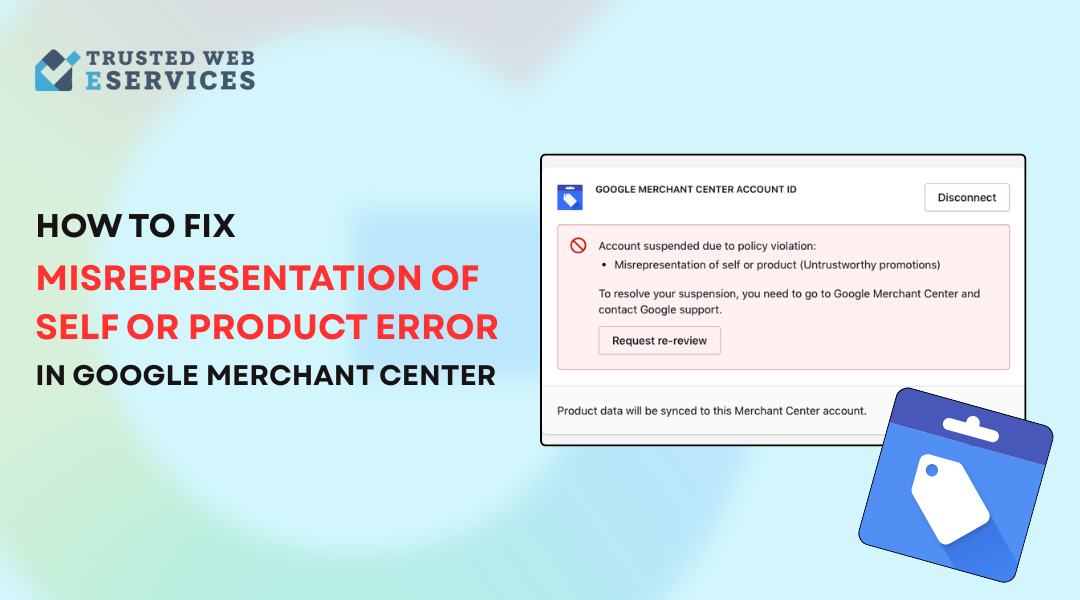
What Does the Misrepresentation of Self or Product Error Mean? The “Misrepresentation of Self or Product” error happens when Google’s automated systems detect differences between your website content and product information and Merchant Center data....
What Are Google Merchant Center Errors? Google Merchant Center errors represent problems which stop product data from showing properly in Google Shopping. The errors appear when product information does not fulfill the requirements set by Google. The most common...
Google Analytics 4 (GA4) offers powerful e-commerce tracking, but it can be tricky to set up properly. If your data is missing, inaccurate, or incomplete, this guide will help you troubleshoot and fix GA4 eCommerce tracking issues in 2025. Common Ecommerce Tracking...

![How to Fix Google Shopping Feed Errors [A Complete Guide 2025]](https://trustedwebeservices.com/wp-content/uploads/2025/08/how-to-fix-google-shopping-feed-errors.png)