A Step-by-Step Guide to See Page Views in Google Analytics 4 (GA4) Tracking page views is crucial for understanding your website’s performance. As one of the most fundamental metrics in digital analytics, page views give you insight into how users interact with your...
A Step-by-Step Guide to Track Bounce Rate in Google Analytics 4 (GA4) Google Analytics 4 (GA4) introduced a new approach to web analytics that offers a broader range of insights compared to Universal Analytics. One major shift is how traditional metrics, such as the...
What Does 404 Error Mean? A 404 error occurs when a webpage cannot be found on a server. This error appears when users try to access a web page that has been deleted, moved, or never existed. The “404” is an HTTP status code that tells browsers the requested page is...
Google Analytics 4 shows unique page views in the Views report under Engagement metrics. Open your GA4 property and click on Reports. Select Engagement, then Pages and Screens. The report displays unique page views alongside total views. Users can filter data by date...
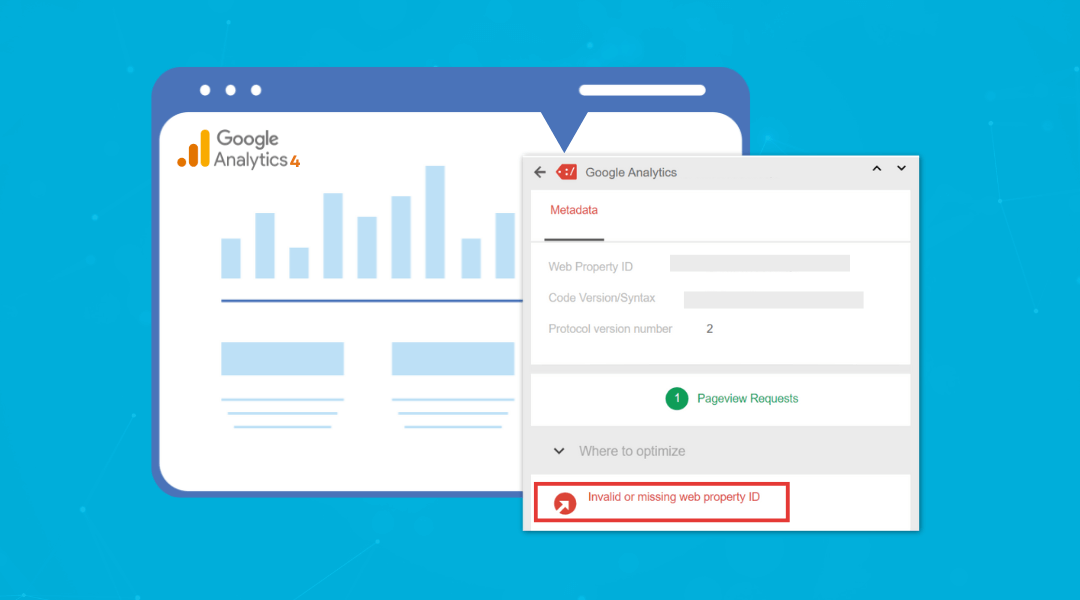
What Does Invalid or Missing Web Property ID Error in Google Analytics 4 (GA4) Mean? Are you seeing an “invalid or missing web property ID” error in your Google Analytics 4 (GA4) setup? This common issue occurs when your GA4 property ID isn’t properly...