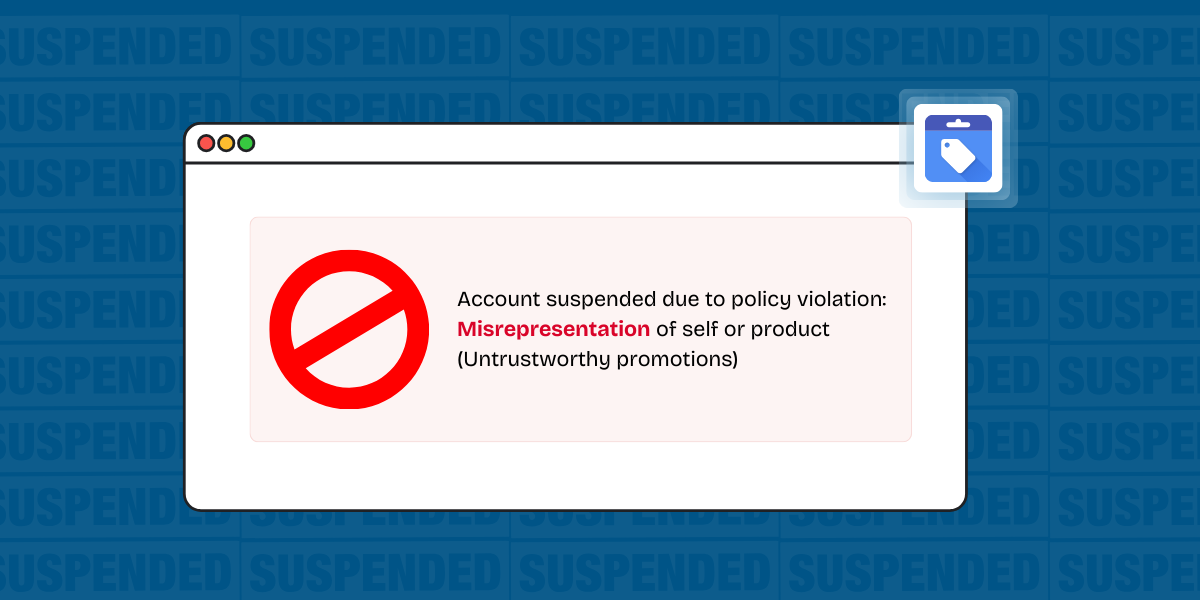
Google Merchant Center Misrepresentation is fixed by aligning your store’s identity, policies, pricing, and customer experience signals so Google can verify who you are, what you sell, and how buyers are protected. The practical goal is simple: remove anything that makes your business look unidentifiable, unreachable, or likely to fail delivery/returns.
Most successful reinstatements happen when the website and Merchant Center data tell the same story across contact details, checkout terms, shipping/returns, and product claims, then you submit a re-review with evidence. Google treats Misrepresentation as an egregious policy area, so small trust gaps can keep the account suspended.
What Google Merchant Center “Misrepresentation” means in practice
Misrepresentation means Google can’t confidently trust the merchant’s identity, offer, or post-purchase experience, so the account can be suspended without warning under Google’s Misrepresentation policy documentation within Shopping policies. Google also reviews multiple sources, including your website, your account, and third-party signals, so fixes must be end-to-end rather than feed-only.
Common triggers cluster into four buckets: identity opacity, policy opacity, pricing/offer opacity, and customer experience failure patterns. A store can sell legitimate products and still fail if key disclosures are missing, hard to find, or inconsistent.
Why misrepresentation suspensions are common in US ecommerce
Misrepresentation enforcement is stricter because online fraud losses are large and rising, and platforms respond by tightening trust standards. Federal Trade Commission data released March 10, 2025 reported consumers lost more than $12.5 billion to fraud in 2024, a 25% increase from the prior year, with 2.6 million fraud reports and “online shopping issues” among the most commonly reported fraud categories.
US ecommerce scale also increases scrutiny: the US Census Bureau reported ecommerce accounted for 16.4% of total retail sales in Q4 2024 on a seasonally adjusted basis, and 16.1% for full-year 2024 in its Quarterly Retail E-commerce Sales release.
Fix Misrepresentation by running a store-wide trust audit
Fixing Misrepresentation starts with a trust audit that checks what Google and customers can verify within 30–60 seconds on your site. Use a single checklist and treat every item as required until proven optional.
Core audit areas:
Business identity
✔ Legal business name matches across footer, Contact page, checkout, Merchant Center, and payment receipts
✔ Business registration context available where appropriate (verifiable information, not a marketing badge)
✔ Physical address shown (even if not a retail location), formatted consistently
Contactability
✔ At least one real-time channel (phone) or fast channel (support email) shown site-wide
✔ Support details match Merchant Center business info
✔ Contact page includes hours or response time expectations
Policies that buyers can find before purchase
✔ Returns/refunds: eligibility, window, condition rules, restocking fees (if any), refund timing, and return method
✔ Payment and billing: accepted methods, taxes, and currency
✔ Terms and privacy pages reachable from footer and during checkout
✔ Shipping policy: rates, carriers (if used), processing time, delivery ranges, and cutoff times
Offer integrity
✔ Brand claims are supportable (use authorized reseller language only if true)
✔ Inventory claims reflect reality (avoid “in stock” if fulfillment is uncertain)
✔ Product price matches between listing, product page, cart, and checkout
Checkout transparency
✔ Clear merchant name on checkout and confirmation screens
✔ No forced add-ons or surprise subscriptions
✔ Full cost visible before final payment step (shipping, taxes, fees)
Fulfillment credibility
✔ Shipping timelines realistic for US delivery
✔ Backorder behavior explained, not hidden
✔ Tracking provided where promised
Website fixes that most often unlock reinstatement
Website changes tend to matter more than feed edits for Misrepresentation because the policy is about trust and buyer protection signals, not only structured data.
High-impact fixes (prioritize these first):
1) Make policies “discoverable without hunting.”
Return/refund and shipping policies should be reachable from the footer, the cart, and checkout without scrolling through dense text or popups.
2) Remove conflicting business identities.
One store should not show multiple business names, mismatched addresses, or different support emails across pages. Align the name shown in the footer, About page, Contact page, and checkout confirmation.
3) Fix contact info that looks disposable.
A missing phone number is not always fatal, but a contact page that only has a form with no expected response time frequently fails trust review. Add a support email and publish response expectations.
4) Eliminate ambiguous pricing mechanics.
If pricing depends on membership, minimum quantities, add-on requirements, or post-checkout invoices, disclose that before purchase. Keep the buyer’s total cost path straightforward.
5) Clean up claims that sound unrealistic.
Avoid exaggerated promises around outcomes, delivery speed, or product performance that a reviewer could treat as misleading.
Feed and Merchant Center consistency
Feed cleanup helps when Misrepresentation is reinforced by inconsistent product data. The goal is consistency between what Google receives and what a buyer sees.
Key consistency checks:
- Landing page parity: product title, price, availability, and variant selections match the feed
- Shipping settings parity: Merchant Center shipping rates and delivery times match your shipping policy language
- Tax settings parity: taxes are configured correctly for US requirements and align with checkout
- Brand and identifiers: brand, GTIN/UPC (when applicable), and MPN are accurate and not fabricated
- Domain and storefront: the domain submitted in Merchant Center matches the domain customers buy from
Run spot checks on your top sellers and your highest-spend products first, since those are more likely to be reviewed.
How to prepare a review request application
A re-review is easiest to approve when your evidence tells a short, verifiable story: what was wrong, what changed, and where to see it live.
✔ Issue summary: One sentence describing the suspension reason and what you corrected.
✔ Change log: Bullet list with dates and page URLs (Contact, Shipping, Returns, Terms, Privacy, Checkout).
✔ Screenshots: Before/after of policies and contact info, plus cart/checkout cost visibility.
✔ Test order proof: Screenshot of order confirmation showing merchant name and support contact.
✔ Consistency proof: One example product showing feed parity with product page and checkout.
Note: Keep the language factual and avoid arguing intent. Reviewers need proof, not explanations.
How to Reduce the Rejection Risk
Requesting a review works best after you’ve pushed all site changes live, cleared caching/CDNs, and verified the public version matches what you see in admin mode. Follow Google’s request a review workflow inside Merchant Center so the submission is tied to the exact issue state Google recorded.
Review submission rules that reduce rejection risk:
✔ Submit only when every identified gap is fixed across the entire store, not just one product.
✔ Use the comment box for a short change log and 2–3 URLs that prove fixes.
✔ Avoid repeated submissions with partial fixes, which can lead to cooldown periods.
✔ Wait for the outcome email and check the “Needs attention” area for remaining issues.
What to Do If Reviews Keep Failing or the Button Is Blocked
When the “Request review” option is unavailable, the most common cause is an enforced waiting period after unsuccessful reviews or an unresolved related issue. Treat this as time to run a deeper audit, not as downtime.
- Re-check every policy page for missing timelines, conditions, and discoverability
- Verify the business name and address match everywhere, including payment processors and receipts
- Confirm no products route to a different domain, subdomain, or marketplace checkout
- Remove any “brand affiliation” language that you can’t prove (authorized, certified, official)
- Review customer-facing return flows to ensure they function and are not inoperable
If your store uses third-party fulfillment or dropshipping, make shipping times and return handling explicit and realistic for US customers. If your catalog includes regulated products, confirm licenses and eligibility are clearly stated wherever required.
How to prevent a repeat misrepresentation suspension
Preventing a repeat suspension means treating trust signals as part of operations, not as one-time compliance work.
Ongoing controls that reduce recurrence:
- Monthly policy review: verify shipping and return policies still match real operations
- Quarterly checkout tests: place a test order to confirm total cost visibility and receipt identity
- Catalog sampling: weekly spot check of price/availability parity for top products
- Customer support monitoring: watch for missed emails, slow response times, and unresolved refund requests
- Change management: when you change carriers, processing times, or refund windows, update policy pages the same day
Google clarified in October 2025 that enforcement examples include non-delivery patterns and return/refund processes that don’t work as advertised, so operational follow-through matters as much as on-page text.
Conclusion
Fixing Google Merchant Center Misrepresentation is less about one “magic” setting and more about proving your store is easy to identify, easy to contact, and predictable after purchase. When your footer, Contact page, policy pages, product pages, and checkout all agree on who the merchant is and how buyers are protected, re-reviews tend to become straightforward. If reviews fail, assume the reviewer still sees uncertainty in identity, cost disclosure, delivery credibility, or returns execution, then tighten whichever area is weakest. A store that can be verified quickly is a store that can keep listings running.
FAQs
How long does a misrepresentation fix take once changes are live?
A misrepresentation fix usually takes as long as it takes Google to re-crawl your site and reprocess your feed, plus the time needed for a manual review if required. Speed improves when policy pages are accessible, product pages match feed values, and change logs point reviewers to the exact updates.
Can a single missing policy page cause a misrepresentation decision?
A single missing returns/refunds or shipping page can be enough if a reviewer cannot confirm key buyer expectations. Publish policies as indexable pages that load reliably, and avoid placing required details only inside checkout steps.
Does changing the feed alone solve misrepresentation?
Feed-only changes rarely solve misrepresentation if the website remains unverifiable or inconsistent. Review systems compare the feed to the landing page and checkout behavior, so changes need to align across all three.
Will switching payment processors or adding trust badges help?
Switching processors or adding badges rarely fixes the underlying verification problem. Clear identity information, transparent policies, and consistent product data are the signals a reviewer can confirm quickly.
What if my business is home-based and I don’t want to publish an address?
Publishing a full address is often the simplest verification path, though business constraints vary. If an address cannot be listed publicly, provide the most complete business identity details available and ensure customers still have clear support channels and policy transparency.